
Laravel Health Check: when your application works, but it is already starting to fail internally
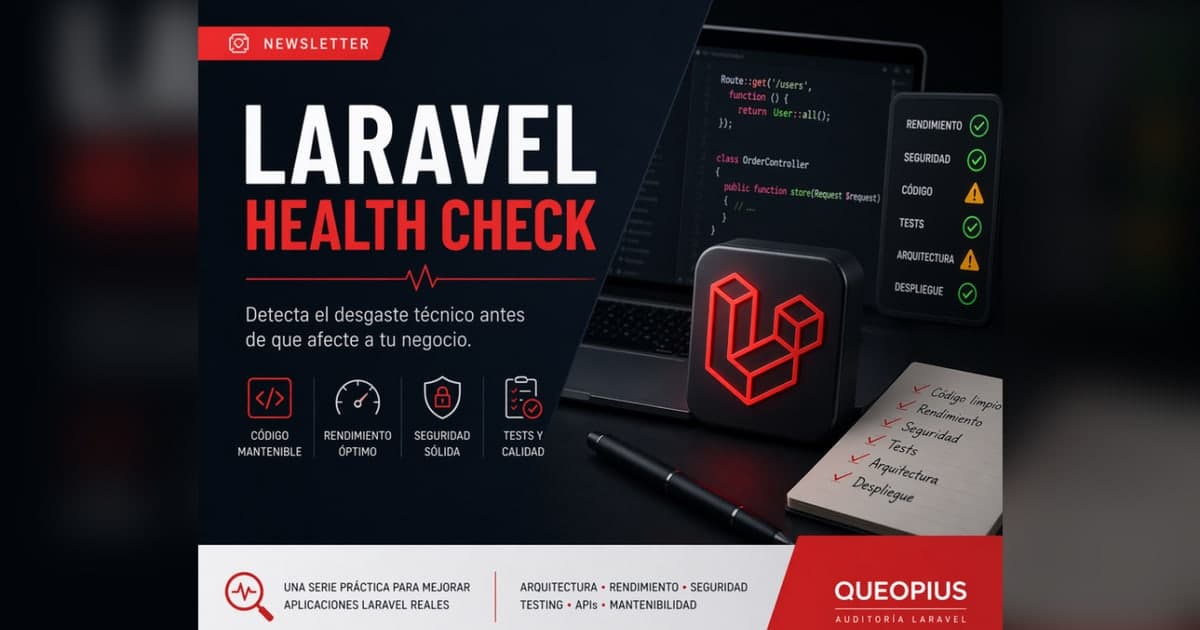
This series was created to detect signs of technical wear on Laravel before they become problems that are expensive to correct or difficult to explain.
Why create a series Laravel Health Check
Many applications Laravel work. They respond, process orders, serve internal panels or maintain daily operations. But functioning does not always mean being prepared to continue growing safely.
Technical wear and tear usually appears gradually: a controller that gets longer, a model that accumulates rules, a query that starts to take time, a API that responds differently depending on the endpoint, or a test that no one trusts to run anymore. No single sign seems serious, but together they change the speed of the product.
Laravel Health Check is not born to criticize Laravel. On the contrary: it starts from the idea that Laravel allows you to build quickly, but requires reviewing limits when the project matures. The series seeks to name real signs in order to decide more judiciously.
What type of signals are we going to check?
The series covers common signs in real Laravel applications: fat controllers, too large Eloquent models, slow or N+1 queries, inconsistent APIs, unhelpful testing, uncontrolled jobs and queues, neglected basic security, insufficient documentation and architectural decisions that no longer fit the size current product.
Each sign is analyzed from three angles: symptom, risk and possible intervention. The goal is not to point out “bad practices” in the abstract, but to understand when a decision that was useful in the beginning starts to generate friction.
Who is this series for?
It is designed for developers Laravel who want to review their projects with more criteria, technical founders who need to understand risks before scaling, and teams with a product in production who are beginning to notice that each change weighs more than before.
It can also serve agencies that inherit projects, product managers who need to translate technical signals into decisions, and businesses that want to know if their current foundation can support new functionality without accumulating more invisible debt.
You don't have to be in a technical crisis to read it. In fact, the best time to detect wear is before the system forces the product to stop.
How to read the series
Each article focuses on a specific signal. First we explain how it appears, then what risks it generates and finally how to start correcting it without falling into a huge or unnecessary refactor.
Not everything requires redoing architecture. Sometimes it is enough to extract a use case, add an index, move validation to a Form Request, order a Resource or cover a critical flow with tests. The key is knowing what to play first.
The series works as an editorial checklist. If several signals appear at once, you probably don't need more intuition: you need diagnosis, priorities and a defensible technical roadmap.
Article index
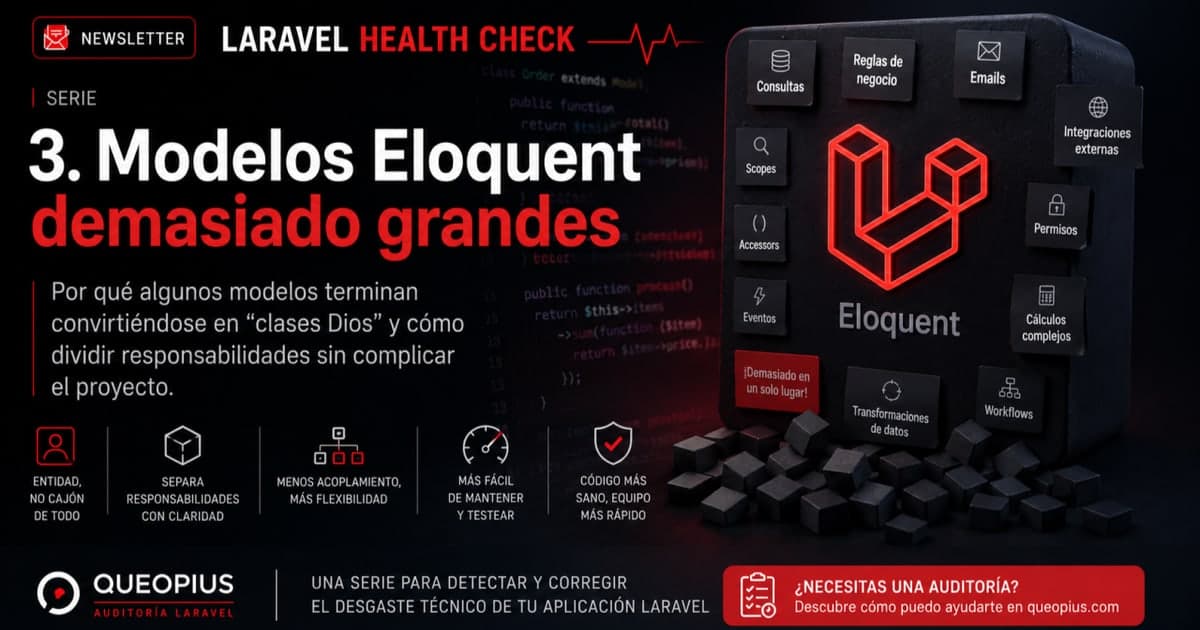
The available articles start with three common signs: an application that works but is already showing wear, controllers that have stopped coordinating to concentrate logic, and Eloquent models that accumulate too many responsibilities.
Later, new pieces may enter about slow and N+1 queries, inconsistent APIs, testing that does not protect critical flows, jobs and queues without control, neglected basic security and minimal documentation to maintain technical decisions.
Closing
Detecting it in time does not avoid all the technical work, but it avoids continuing to build on a base that is increasingly difficult to change. That's the real value of a health check: turning scattered signals into clear decisions.
If you want an external and prioritized reading of your Laravel, you can start with a Backend Audit Laravel focused on risks, quick wins and actionable roadmap.
Series articles

Does your Laravel show similar signals?
If your application works, but each change begins to be slower, more fragile or more difficult to explain, a Backend Audit Laravel can help you sort out risks, quick wins and technical priorities.